See curtains, blinds and shutters in your own room
Get the FAB experience: upload a photo of your room and our free AI Room Visualizer shows you the look before you buy.
- Your photo
- Your style
- Your details
Upload a photo of your room
Drag & drop or tap to choose. JPG or PNG, up to 8MB
Product
Style
Colour
White
3 of 3 free previews left today on this device. Your photo is uploaded securely and deleted from this website after 24 hours. A copy of your photo and preview is kept with your enquiry so our team can help you choose. Privacy policy
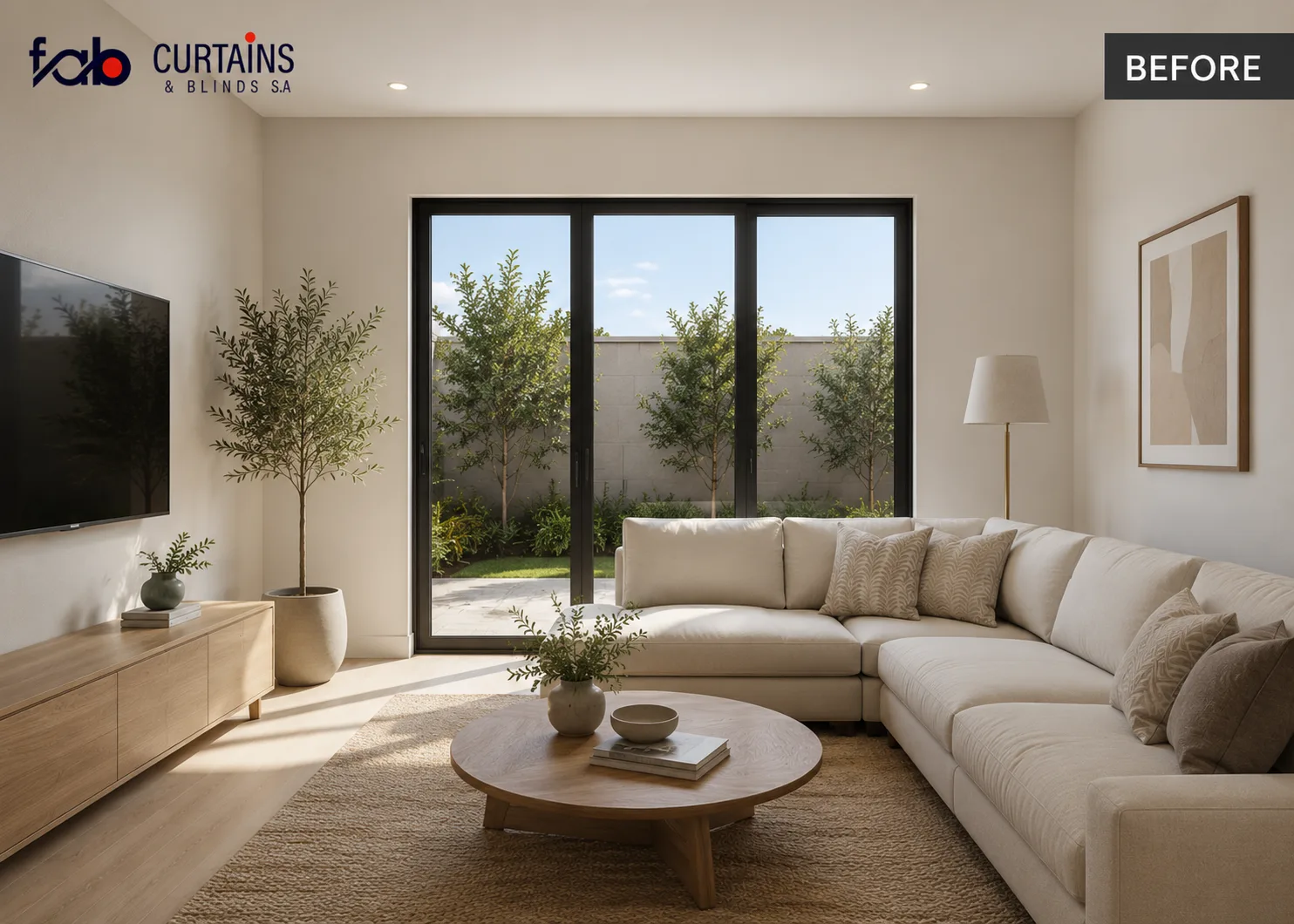 Before
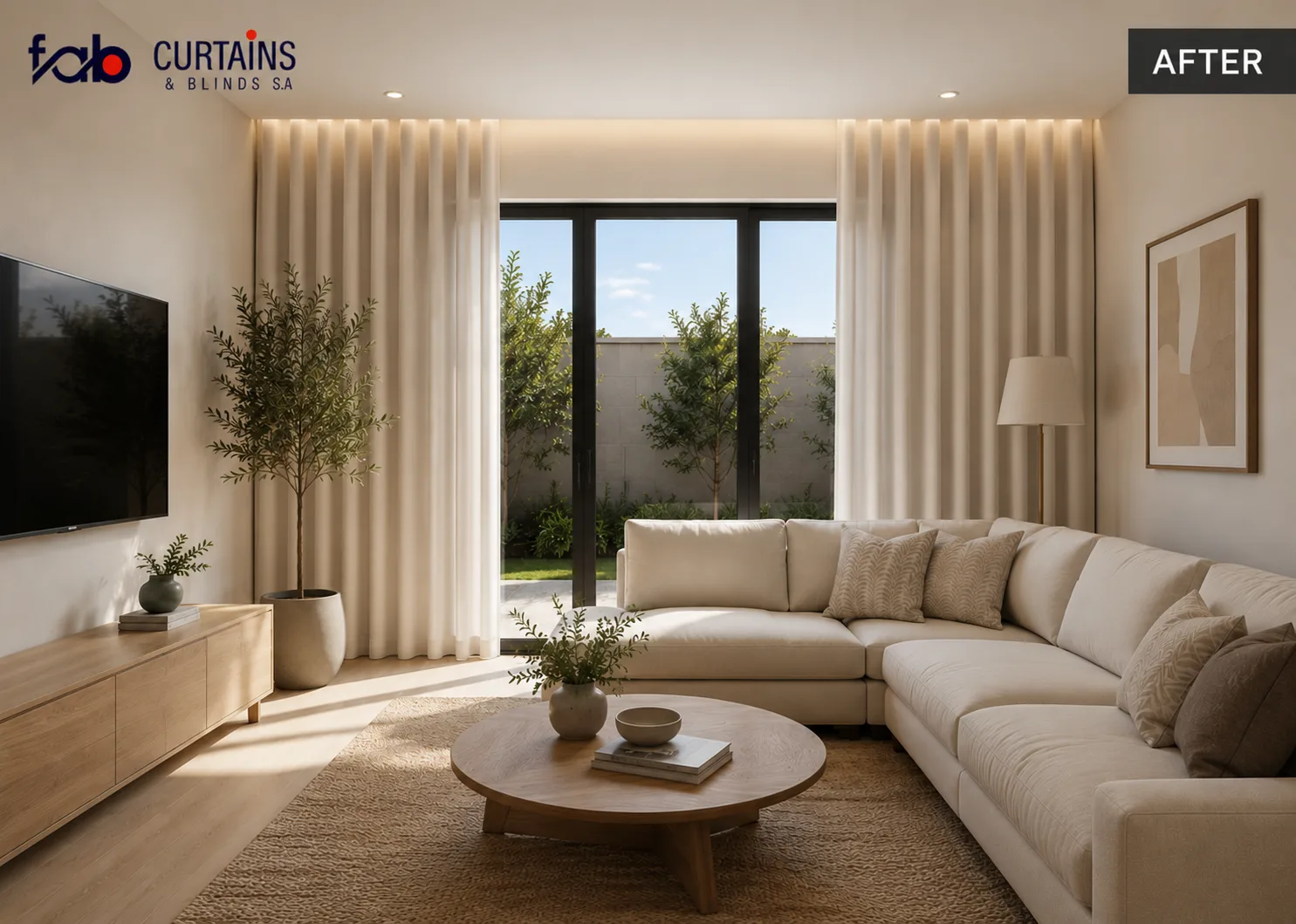 After
How the AI Visualizer works
Upload your room
Snap a photo or pick one from your gallery.
Pick your style
Choose curtains, blinds or shutters, then style and colour.
Add your details
Your name and number, then see your room dressed and book a consultation.
Questions about the AI Room Visualizer
Is the AI Room Visualizer free?
Yes. It is free to use, with a daily limit on previews so it stays fair for everyone. If you reach the limit, WhatsApp us and our team will help you choose.
What happens to my room photo?
Your photo is uploaded securely and used to create your preview. It is deleted from this website after 24 hours, and a copy of your photo and preview is kept with your enquiry so our team can help you choose.
What can I preview?
Curtains (linen, velvet, sheer or blackout), blinds (roller, Roman, Venetian or zebra) and shutters (wood, PVC or aluminium security), each in a choice of colours.
What kind of photo works best?
A clear photo of the room that shows the window you want to dress, as a JPG or PNG under 8MB. The visualizer checks that the photo shows a room with a window before it creates your preview.
Is the preview exactly what I will get?
It is a quick AI preview to help you picture the look. Every Fab order is fully custom: bring us any colour or fabric, or even print your own design, and our team will help you finalise it.
How do I get a quote for the look I like?
Tap WhatsApp Fab under your preview. It sends us the product, style and colour you chose, and our team will reply with a quote. You can also call us or visit our Centurion or Thohoyandou showroom.